 SunDose
Product
UV Index App for iPhone: What Weather Apps Leave Out
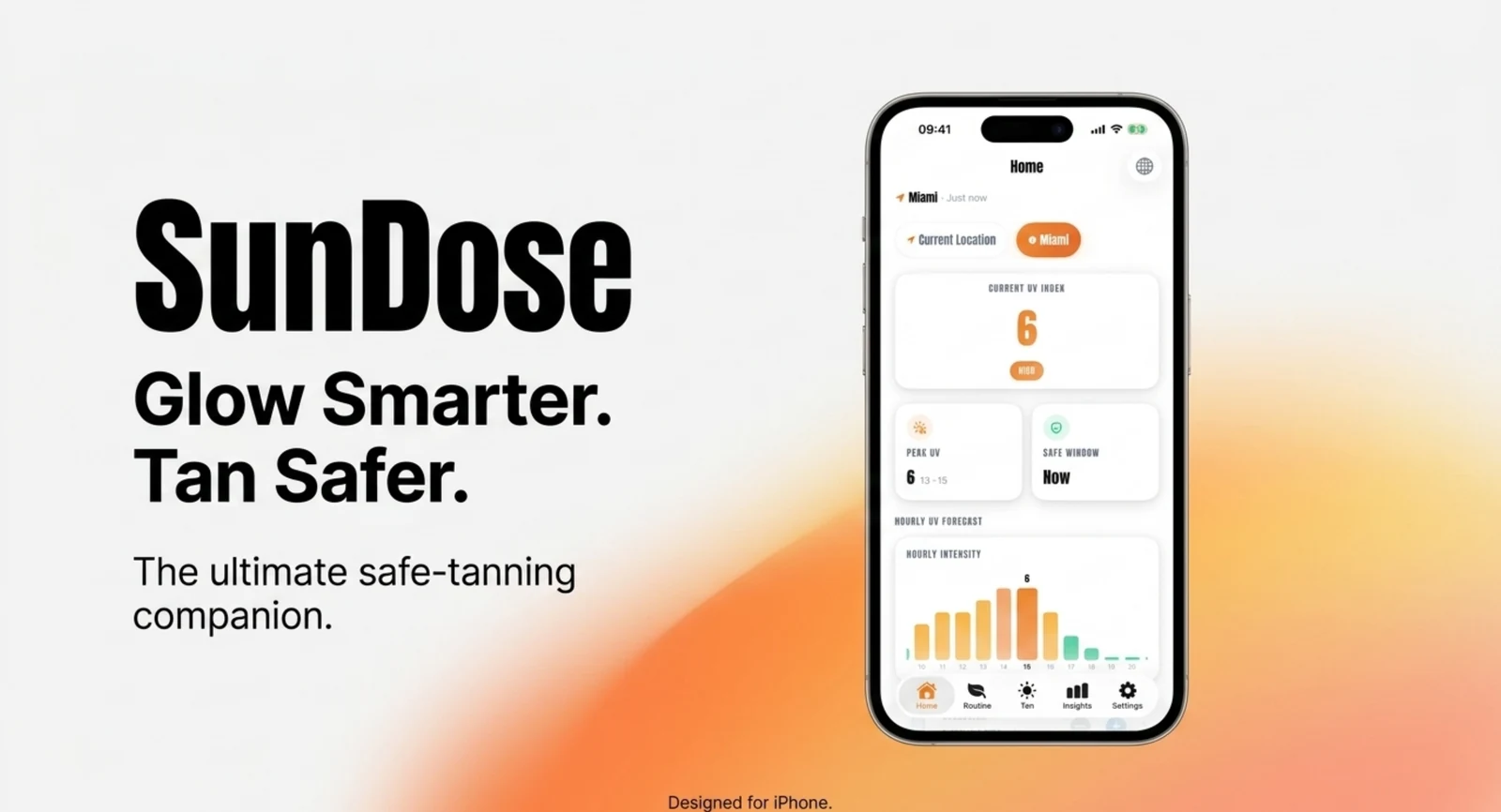
Open the Weather app on your iPhone and you’ll find a UV Index. It’s accurate, it’s free, and for a lot of days it’s genuinely all you need. So why build another one? Because the number is the easy half. Knowing it’s UV 8 tells you nothing about how long you can sit out, what your retinol does to that answer, or when to reapply. SunDose starts where the Weather app stops.
Key takeaways
- The iPhone Weather app and SunDose read the same underlying data — Apple WeatherKit. The difference isn’t accuracy, it’s what happens after the number.
- SunDose turns the index into a timed session built on your skin type and SPF, with reapply prompts, photosensitivity flags and hydration tracking.
- Free on the App Store, iPhone-only, and your skin profile stays on your device.
What does the iPhone Weather app already give you?
A UV Index reading and an hourly forecast, for free, with no extra app to install. Apple WeatherKit supplies “10-day hourly forecasts for temperature, precipitation, wind, UV Index, and more” (Apple, WeatherKit), and that’s genuinely useful. SunDose reads from the same WeatherKit source, so this isn’t an argument about whose number is right.
Credit where it’s due: the built-in app is pre-installed, costs nothing, and covers the basic question well. If all you want is to glance at a figure before heading out, you already have that, and you don’t need us.
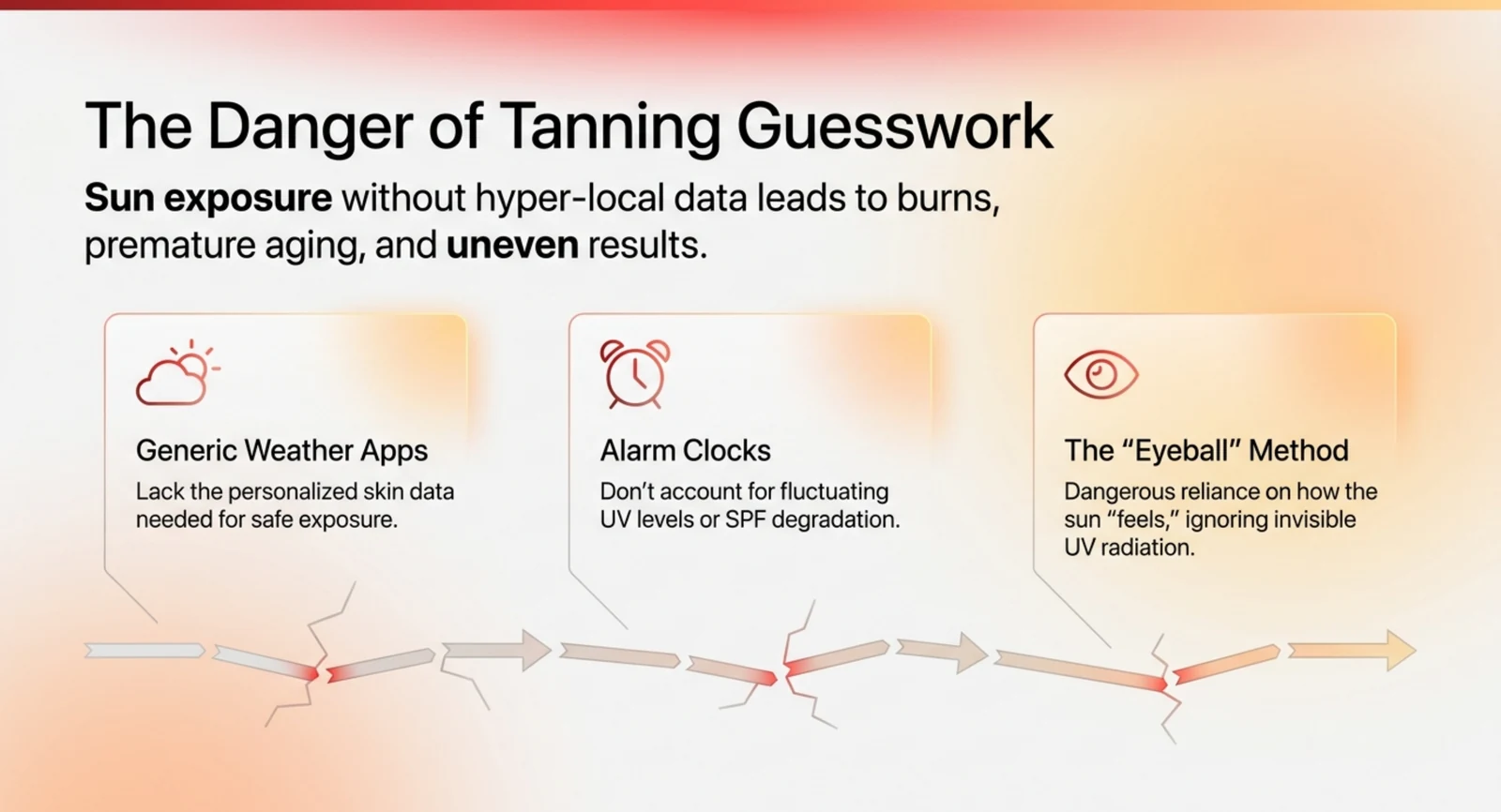
The gap opens at the next question. “It’s UV 8” is a measurement. “Should I go out now, for how long, and what do I need to do first?” is a decision — and it depends on things a weather forecast has no way of knowing. Your skin type. Whether you’ve applied SPF, and how much. Whether you started a retinol serum last week. Nobody’s weather app knows any of that.
What does SunDose add on top of the number?
Everything between the reading and the decision. Rather than describing it in prose, here’s the honest split — including the rows where the built-in app is perfectly adequate.
| iPhone Weather app | SunDose | |
|---|---|---|
| UV Index, current | Yes | Yes |
| Hourly UV forecast | Yes | Yes |
| Data source | Apple WeatherKit | Apple WeatherKit |
| Price | Free, pre-installed | Free to download |
| Session timer for your skin type | — | Yes, Fitzpatrick-based |
| SPF factored into the session | — | Yes |
| Photosensitivity flags (retinol, acids, medication) | — | Yes |
| Reapply prompt tied to the session | — | Yes |
| Hydration tracking | — | Yes |
| Lock Screen Live Activity | — | Yes |
| Home Screen widgets | UV not a standalone widget | Yes, UV + streak + one-tap start |
| Session history and insights | — | Yes |
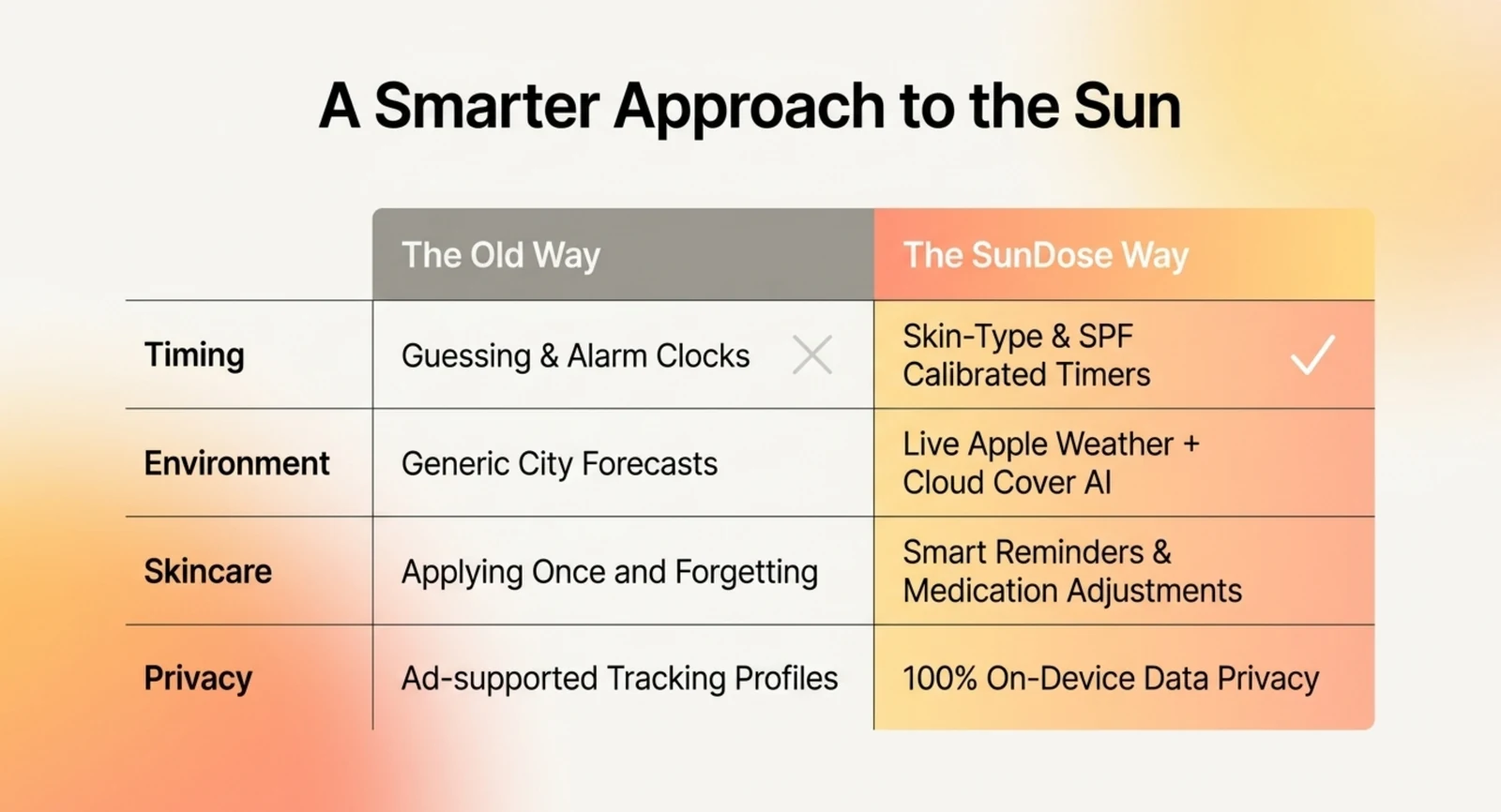
That table is also the honest case for not installing anything. If the first four rows are all you want, the Weather app has you covered. The rest of this post is about whether the remaining rows matter to you.
How does a session timer actually help?
By removing the estimate. Without a timer, most people judge sun exposure by feel — and feel is exactly what fails after forty minutes of warmth and a good book. SunDose builds a session length from your skin type, your SPF and the live UV, then keeps time so you don’t have to.
Skin type is the input that moves the number most. The Fitzpatrick scale runs I to VI; type II burns easily and tans minimally, while types I and II together make up roughly 35% of the US population (StatPearls, “Laser Fitzpatrick Skin Type Recommendations,” NCBI Bookshelf). A generic timer treats a type II afternoon and a type V afternoon identically. Yours shouldn’t.
The Live Activity came out of using early builds ourselves. Ten minutes is short enough that people don’t bother setting a timer, and long enough that they lose track of it. Putting the countdown on the Lock Screen meant you could check without sitting up, unlocking and finding the app — which, in testing, was the difference between the timer being used and being ignored.
For the full protocol on a genuinely intense day, we walked through a guided session at UV 10 step by step.
Why does SPF need to be part of the timer?
Because how much you apply changes what the number on the bottle is worth. Sunscreen is lab-tested at 2 mg of product per square centimetre, but the Skin Cancer Foundation notes people typically apply only 25–50% of that amount (The Skin Cancer Foundation, “How Much Sunscreen Is Enough?”). SPF 50 applied thinly is not SPF 50.
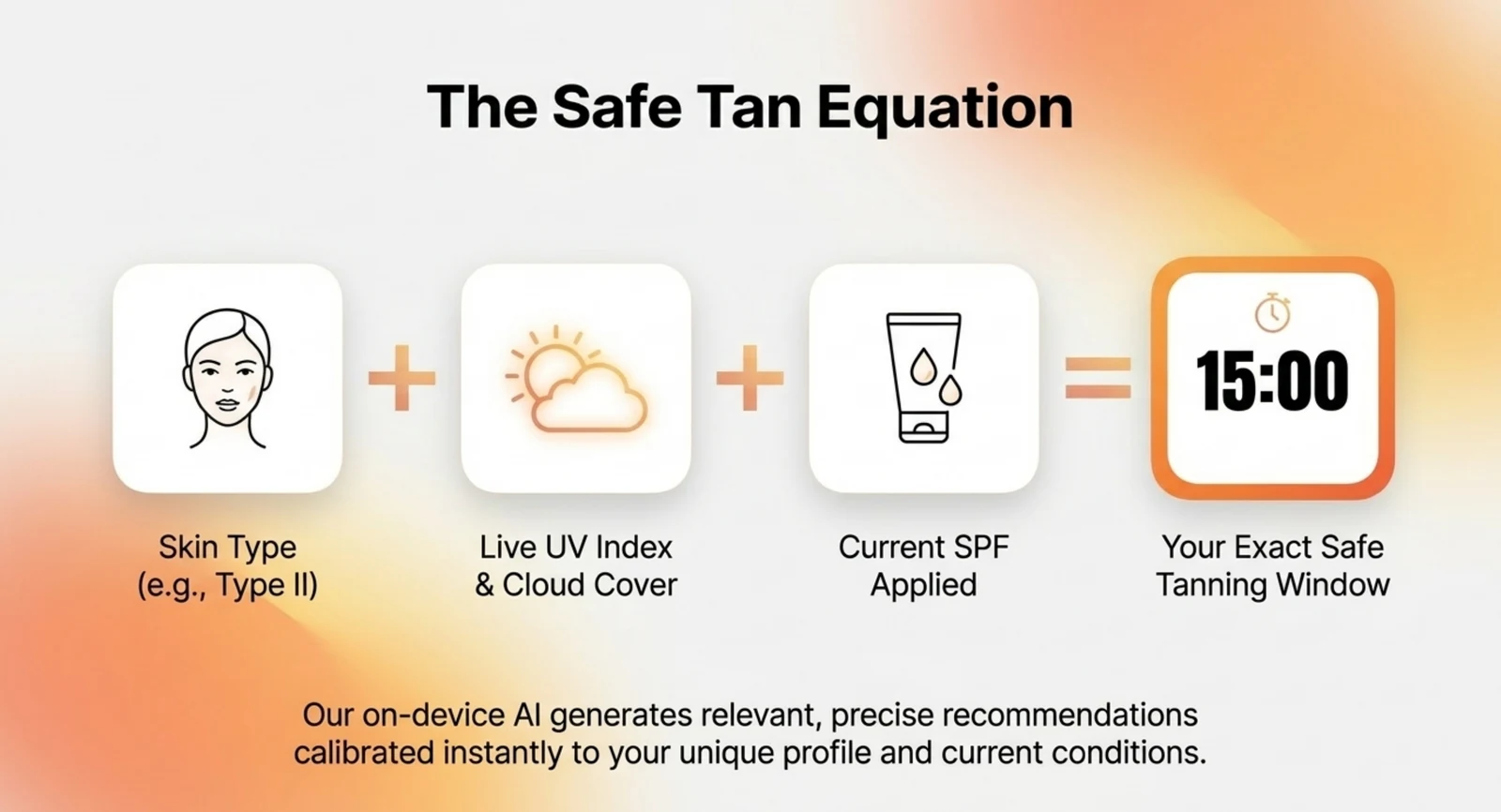
The reapply prompt runs off the session clock rather than a fixed alarm, so it lands while you’re actually out. The American Academy of Dermatology recommends reapplying at least every two hours, and after swimming or sweating (American Academy of Dermatology, “How to apply sunscreen”).
What about medication and skincare?
This is the input people least expect, and no weather app will ever ask about it. Retinoids, tetracycline antibiotics such as doxycycline, quinolones, some NSAIDs and several blood-pressure medicines are documented photosensitisers — they make skin react to UV faster than it otherwise would (US Food and Drug Administration, “The Sun and Your Medicine”).
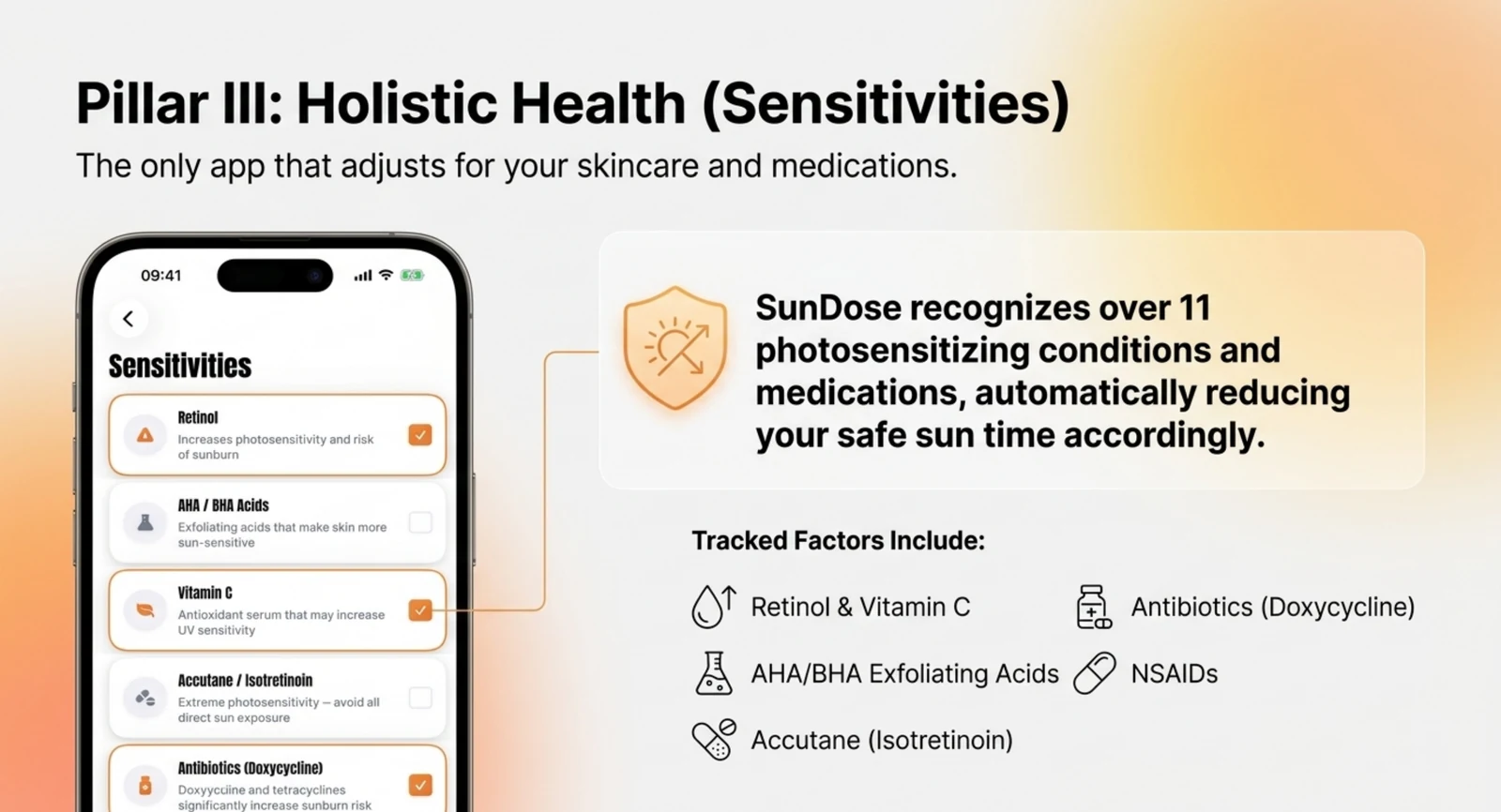
Flag them once in your profile and SunDose shortens its suggested session accordingly. It’s a thirty-second setup that changes every session afterwards. If a label mentions sun sensitivity and you’re unsure what it means for you, ask a pharmacist — SunDose gives you a reminder, not a diagnosis.
Does it work on the Home Screen and Lock Screen?
Yes, and this is where a dedicated app earns its place. SunDose puts today’s UV, your streak and a one-tap session start into Home Screen widgets, and runs the live countdown as a Lock Screen Live Activity. The whole point is to remove the step where you have to remember to open something.
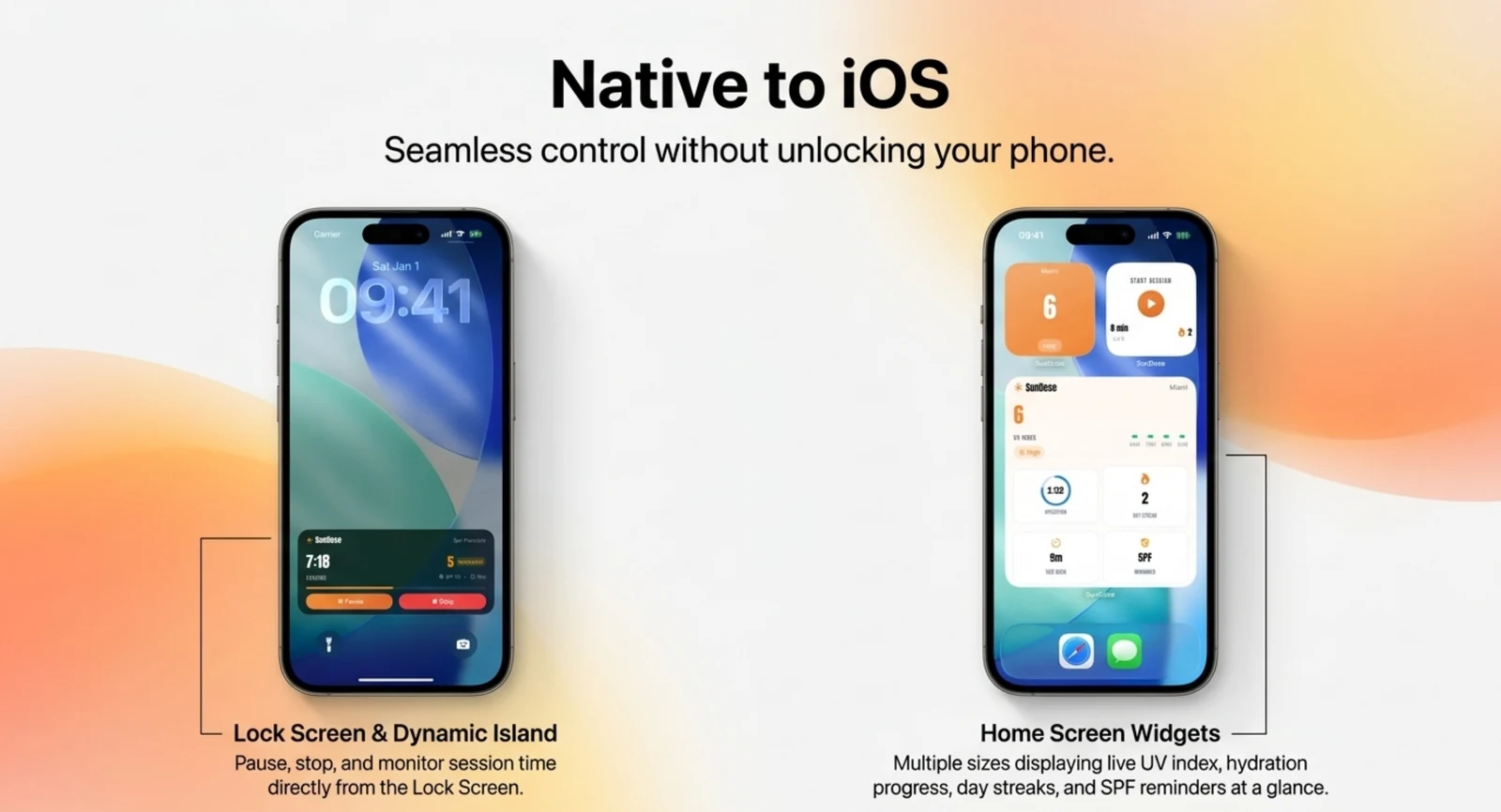
Here’s the pattern we keep seeing: the days people skip a session aren’t the scorching ones. Those are obvious. It’s the pleasant ones — 24°C, some breeze, a bit of high cloud — where nothing prompts you to check. A widget you pass every time you unlock your phone is a better prompt than good intentions. We wrote about why those mild days mislead in heat and UV peak weeks apart.
Who is SunDose actually for?
People who spend deliberate time in the sun and want it to be intentional — beach days, gardening, long runs, holidays. If you want a personalised timer, prompts that arrive at the right moment and a record of what you’ve been doing, that’s the app.
It’s probably not for you if you
Frequently asked questions
- Does the iPhone already have a UV index?
- Yes. The built-in Weather app shows a UV Index figure and an hourly forecast, drawn from Apple WeatherKit. It tells you what the UV is right now. What it does not do is turn that number into a decision for your skin, your SPF or your medication.
- What is the best UV index app for iPhone?
- It depends what you need. If you only want the number, the built-in Weather app covers it for free. If you want a timed sun-exposure session built around your skin type and SPF, with reapply prompts and a Lock Screen timer, that is what SunDose adds.
- Is SunDose free?
- SunDose is free to download on the App Store, with optional premium tiers. The UV index, hourly forecast and session timer work without a subscription. It is iPhone-only and your skin profile stays on your device.
- Is there a UV app with a sunscreen reminder?
- SunDose ties the reapply prompt to the running session timer rather than a generic alarm, so it arrives during exposure instead of at a fixed clock time. The AAD recommends reapplying at least every two hours, and after swimming or sweating.
- Does SunDose work without an internet connection?
- The UV index and hourly forecast need a connection to fetch fresh data from Apple WeatherKit for your location. The session timer, your skin profile and your logged sessions live on the device.
Sources
- AppleWeatherKit
- The Skin Cancer FoundationHow Much Sunscreen Is Enough?
- American Academy of DermatologyHow to apply sunscreen
- US Food and Drug AdministrationThe Sun and Your Medicine
- World Health OrganizationRadiation: The ultraviolet (UV) index
- Gupta V, Sharma VKLaser Fitzpatrick Skin Type Recommendations,